
0.16.0: Choose a screen layout for your table
Combined, player-only, and full-screen map layouts, screen management, and live campaign activity in dm-screen.com 0.16.0.
Release 0.16.0 adds dedicated combined, player-only, and full-screen map layouts. You can open the layout that suits your display, configure its placement and rotation, and choose the main live screen through the game-screen management controls.
Screens can now connect and report their dimensions even when there is no active map. That lets you establish the display connection before choosing the scene.
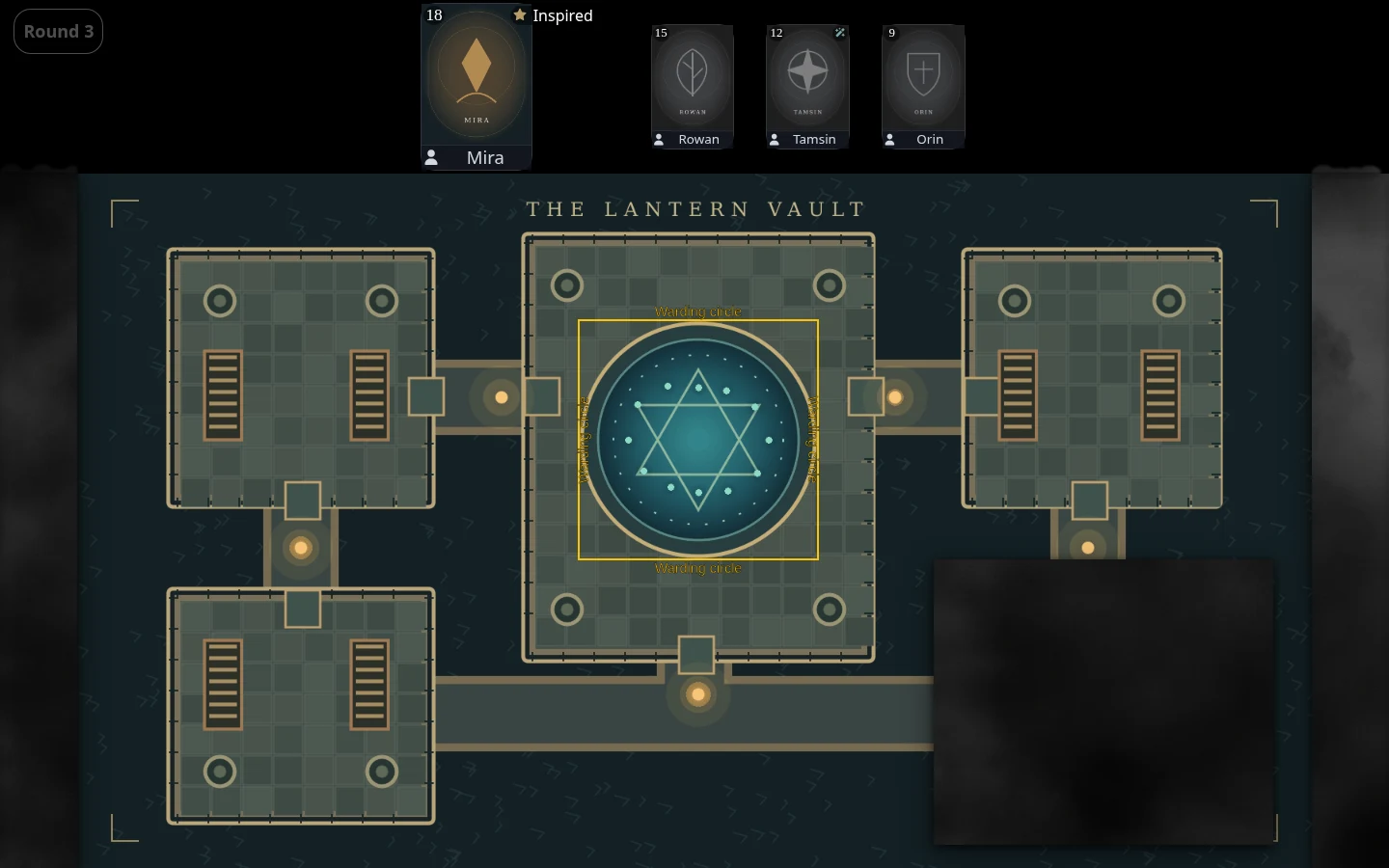
Follow activity on the shared display
A live campaign log on game screens shows dice rolls and character condition changes. Visible onscreen NPCs also appear on the Player Screen, while their private details and actions stay hidden.
New campaigns start with more sharing enabled
Campaign joining, player character management, reveals, condition management, and automatic game-screen activation are enabled by default for new campaigns in this release. These are new-campaign defaults, not a claim that existing campaign settings have changed.
Compare the current screen options before choosing a layout for your next session.