
A roll everyone can see
Public rolls animate on the live game display and send their result back to your dice drawer.
Roll on a live player display with its dice overlay enabled, or roll privately without a shared screen. Save favourite rolls and look back at public results in the campaign log.
Create your account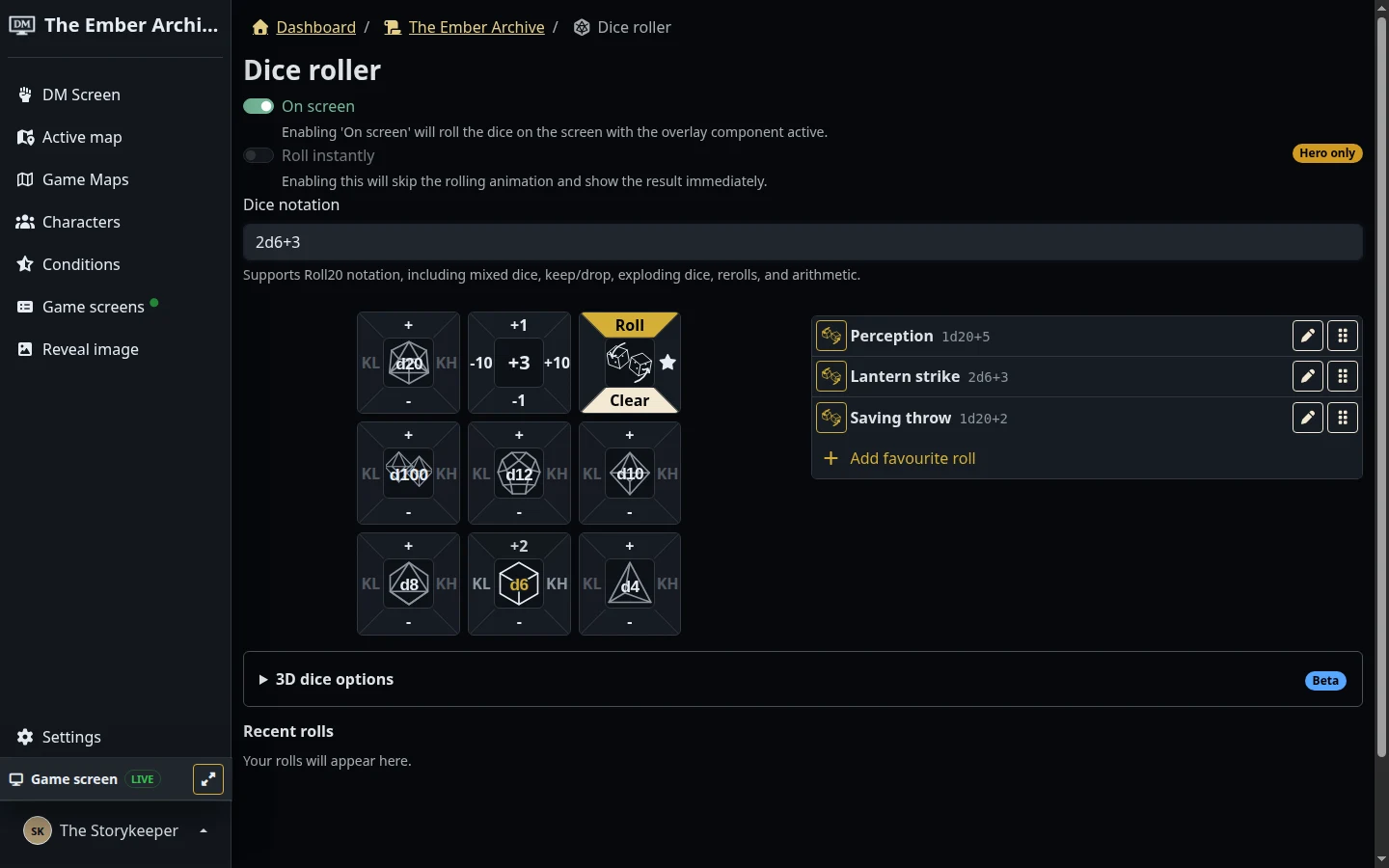
The Ember Archive · A sample campaign in the real dm-screen.com app
Build a roll with the dice controls or type its notation. Save frequently used rolls as favourites.
Roll on the live player screen, or choose a private roll that stays off the shared display and campaign log.
Check your recent rolls. Public results also appear in the campaign log alongside condition changes and sound effects.
Public rolls animate on the live game display and send their result back to your dice drawer.
Use the private dice drawer without a live screen, whether you are preparing a game or making a quiet roll during it.
Save and reorder up to eight favourite rolls per campaign membership. Optional paid extras add dice appearance and rolling controls.