
Your media, ready to share
Show location art, a character portrait or another piece of the story using files you bring to the campaign.
Prepare an illustration, video or audio reveal in your campaign. Show it on the player screen during the scene, or play a short sound cue from your own soundboard.
Create your account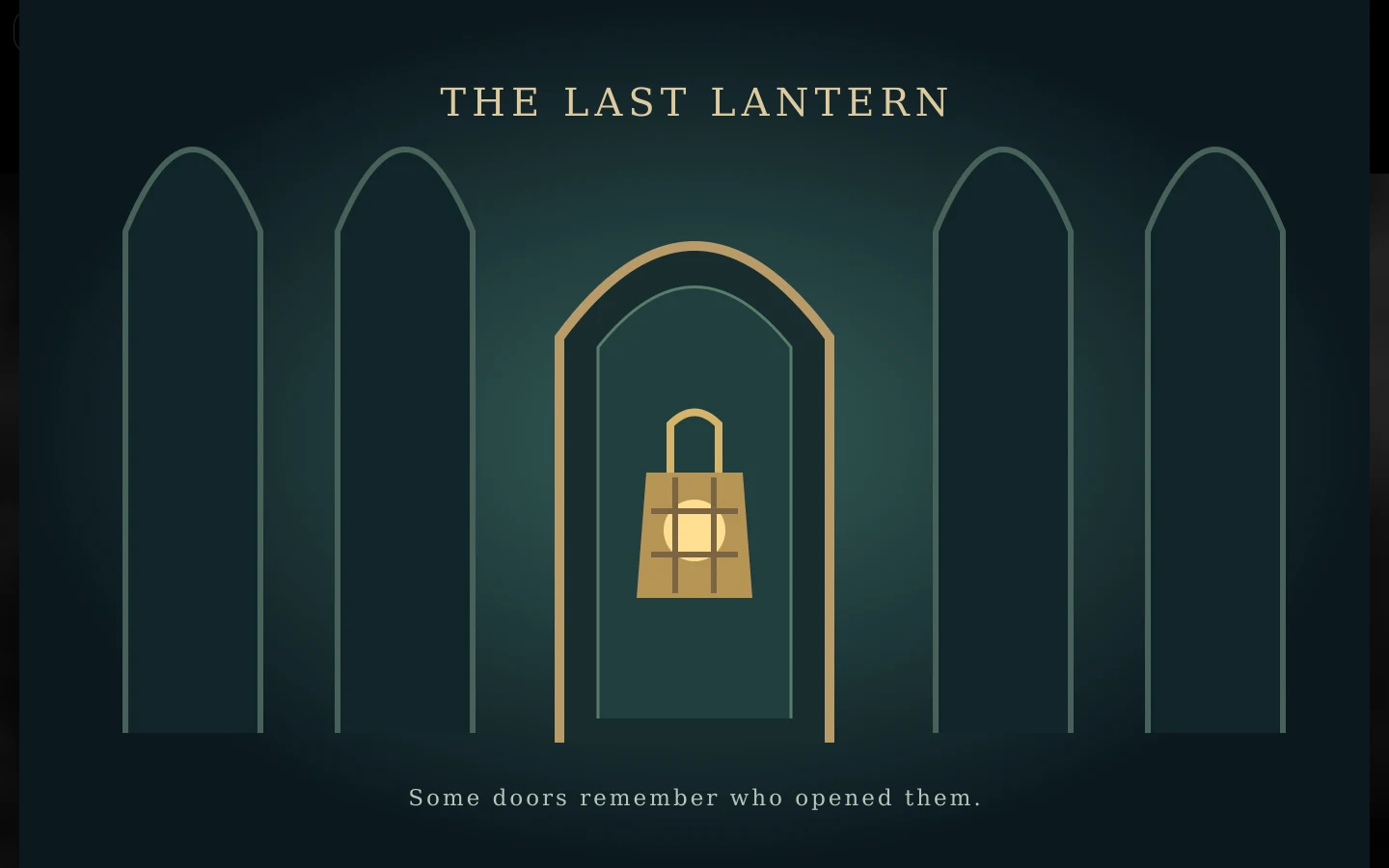
The Ember Archive · A sample campaign in the real dm-screen.com app
Upload your image, video or audio file and give it a name you will recognise during play.
Activate a reveal from your campaign tools, then hide it when the scene moves on.
Build your own soundboard of uploaded effects and play a cue without leaving the campaign.
Show location art, a character portrait or another piece of the story using files you bring to the campaign.
Players can prepare their own reveals. You decide whether they may activate them on the shared screen.
Each campaign member can arrange and play their own short sound effects. Additional soundboard slots are paid extras.