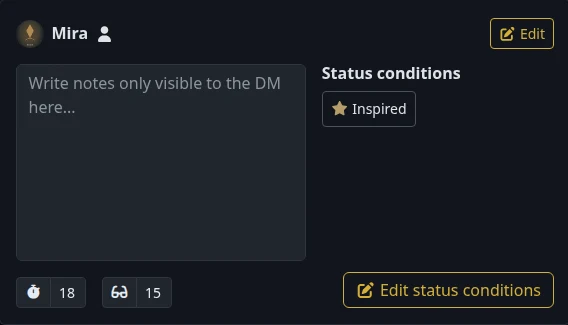
A cast for the current scene
Move characters on or off screen and keep the active turn visible on the shared display.
Choose which characters appear on screen, enter their initiative and advance the active turn. Add condition badges so you and your players can check who is affected.
Create your account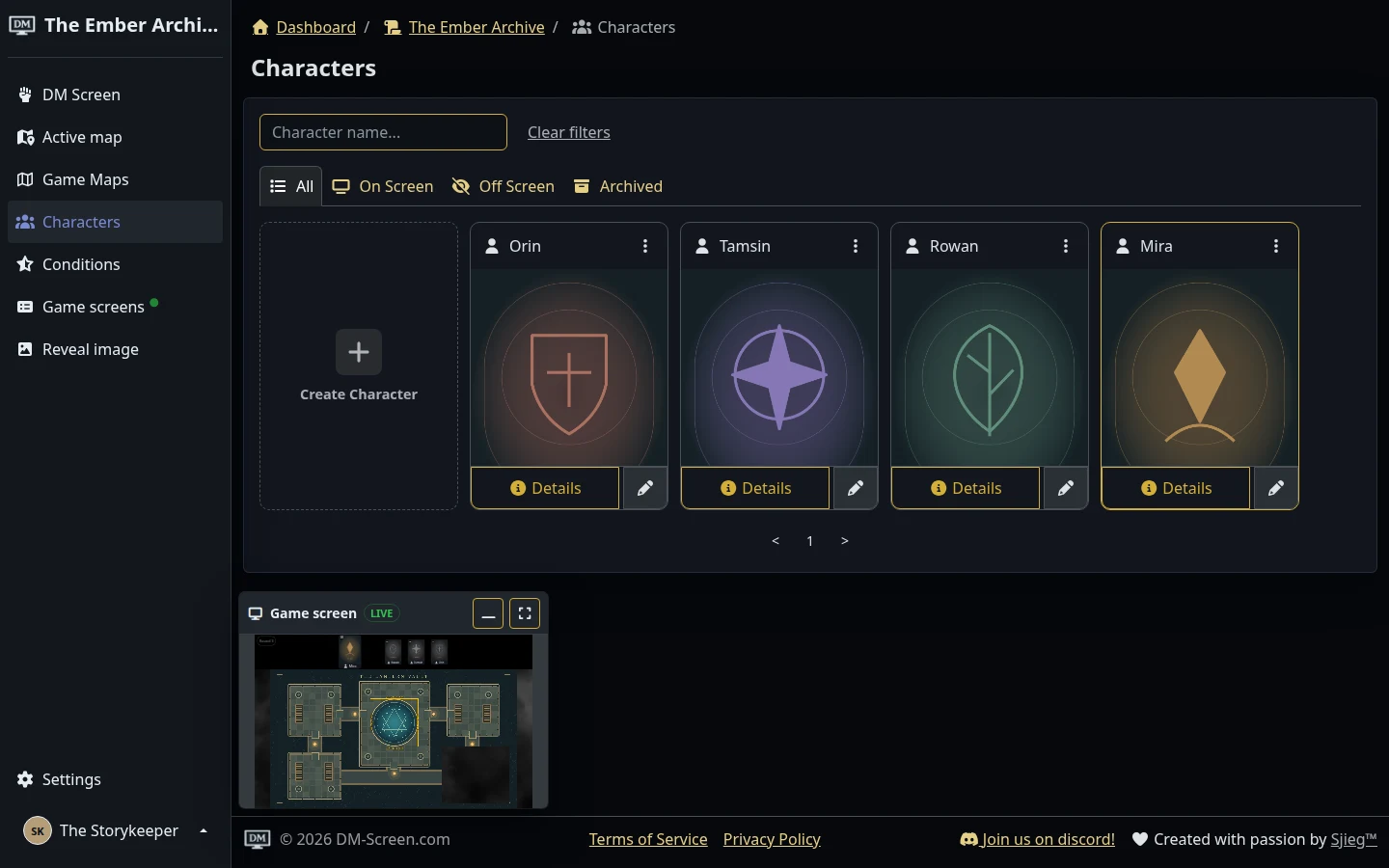
The Ember Archive · A sample campaign in the real dm-screen.com app
Add player characters and NPCs, choose their portraits and decide who belongs on screen.
Enter initiative, sort the on-screen roster and move through turns while tracking the round.
Add or remove conditions as the scene changes, using your campaign’s own condition names, colours and icons.
Move characters on or off screen and keep the active turn visible on the shared display.
Keep DM notes and passive perception near each character’s initiative and conditions.
Assign characters to players so they can manage their own details. Campaign settings let you choose how much they can do.