
Choose what fills the screen
Show the map with the party, use the full-screen map layout, or give characters their own display.
Open the game display on your table’s second screen. Your players can follow the map and character lineup while you manage fog, turns and reveals from your own view.
Create your account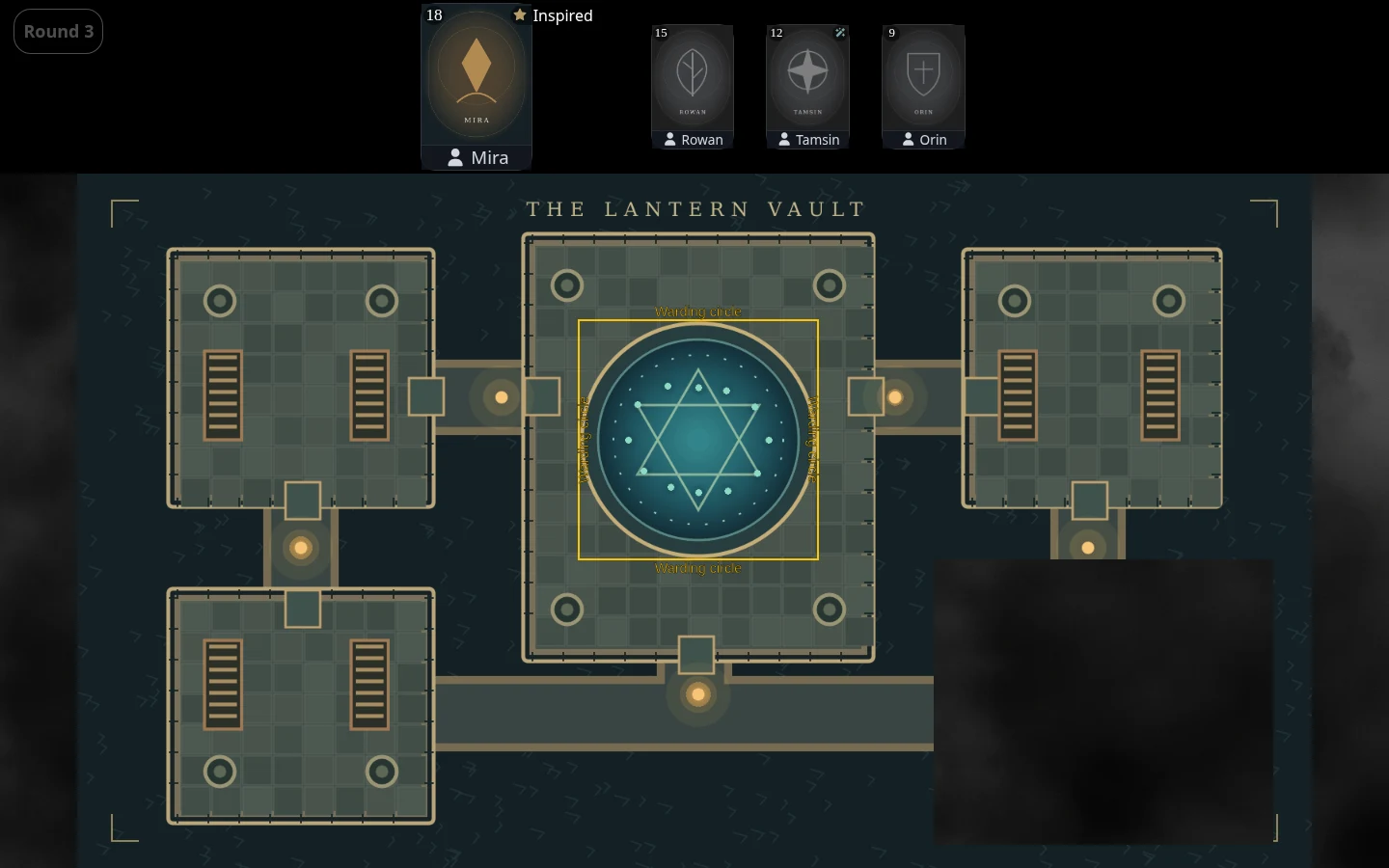
The Ember Archive · A sample campaign in the real dm-screen.com app
Choose a campaign and activate the map you want your players to see.
Open the game display in a signed-in browser on your second screen, then set it as the main screen in Game screens.
Manage the map, characters and reveals from your DM screen as the shared display updates.
Show the map with the party, use the full-screen map layout, or give characters their own display.
Place characters along any edge, upright or turned 180°. Rotate the map and reveals separately to suit your display.
The DM view holds your controls and character notes while the game display gives players the scene.