
You decide what is visible
Reveal or cover areas yourself, so the map follows the story you are telling at the table.
Upload your map and cover unexplored areas with fog. Uncover a room when the party enters it, adjust the shared view and place shapes or area effects as you play.
Create your account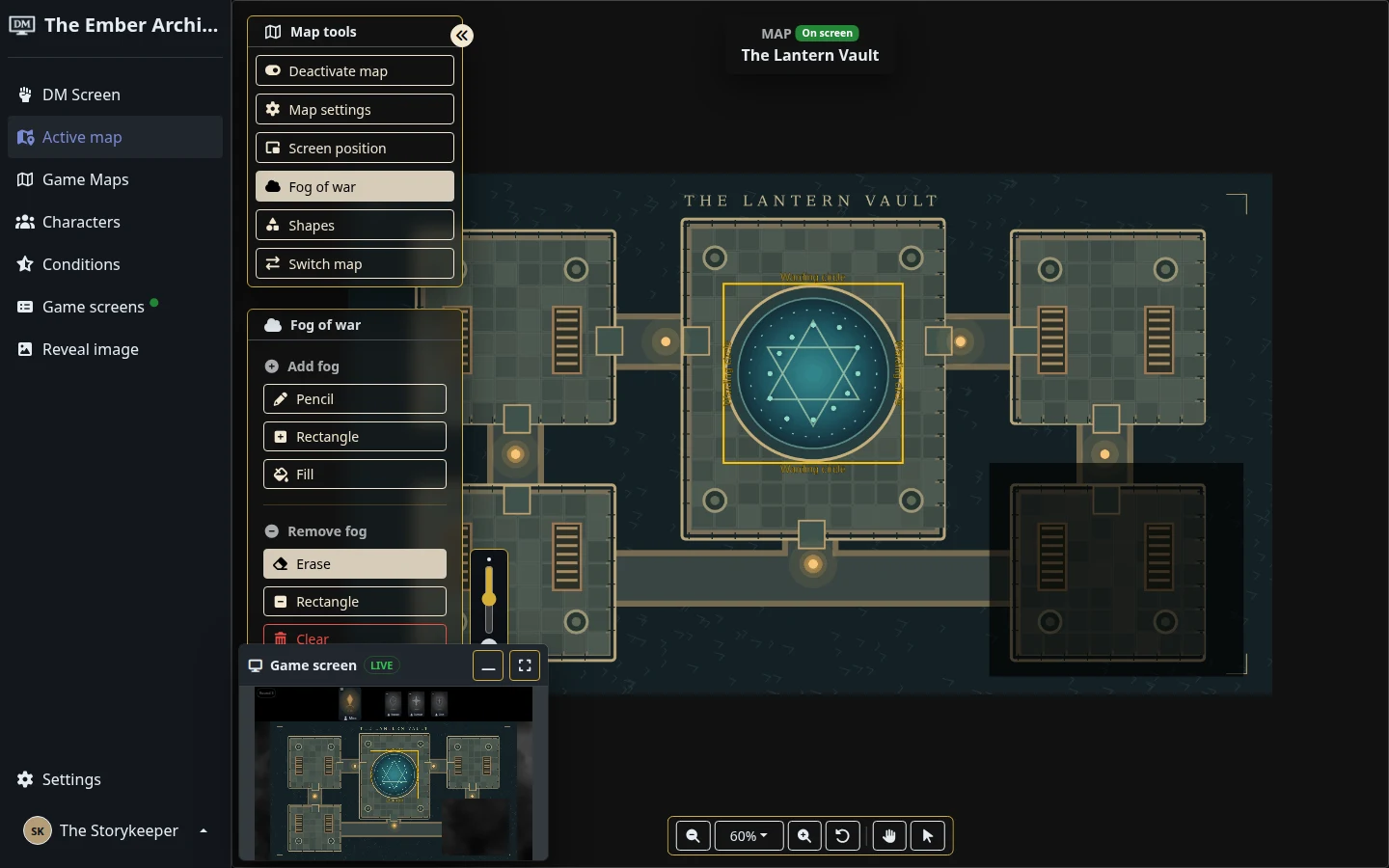
The Ember Archive · A sample campaign in the real dm-screen.com app
Upload an image, animated GIF, MP4 or WebM and make it the active map for your campaign.
Cover the map with fog and use the drawing tools to uncover the areas your players can see.
Detect and align the grid, add shapes or area effects, and reveal more of the map as the game moves forward.
Reveal or cover areas yourself, so the map follows the story you are telling at the table.
Use your own animated map files to bring motion to the shared scene without switching away from your game controls.
Your saved map changes update the campaign’s game display, keeping the players’ view connected to yours.
Animated backgrounds sit behind the same fog and shapes. Play this short recording to see the sample map inside dm-screen.com.
Silent demonstration · Motion is in the map background; fog and shapes remain under your control.