
0.11.0: Position your map by dragging
The first map position manager adds dragging, scroll-wheel zoom, and a guide to the players’ view in dm-screen.com 0.11.0.
Release 0.11.0 introduces a beta map position manager. You can drag the map into place and zoom with the scroll wheel instead of adjusting sliders.
A centered rectangle shows how the map will be positioned for players. That gives you a reference while lining up the next room on a second display.
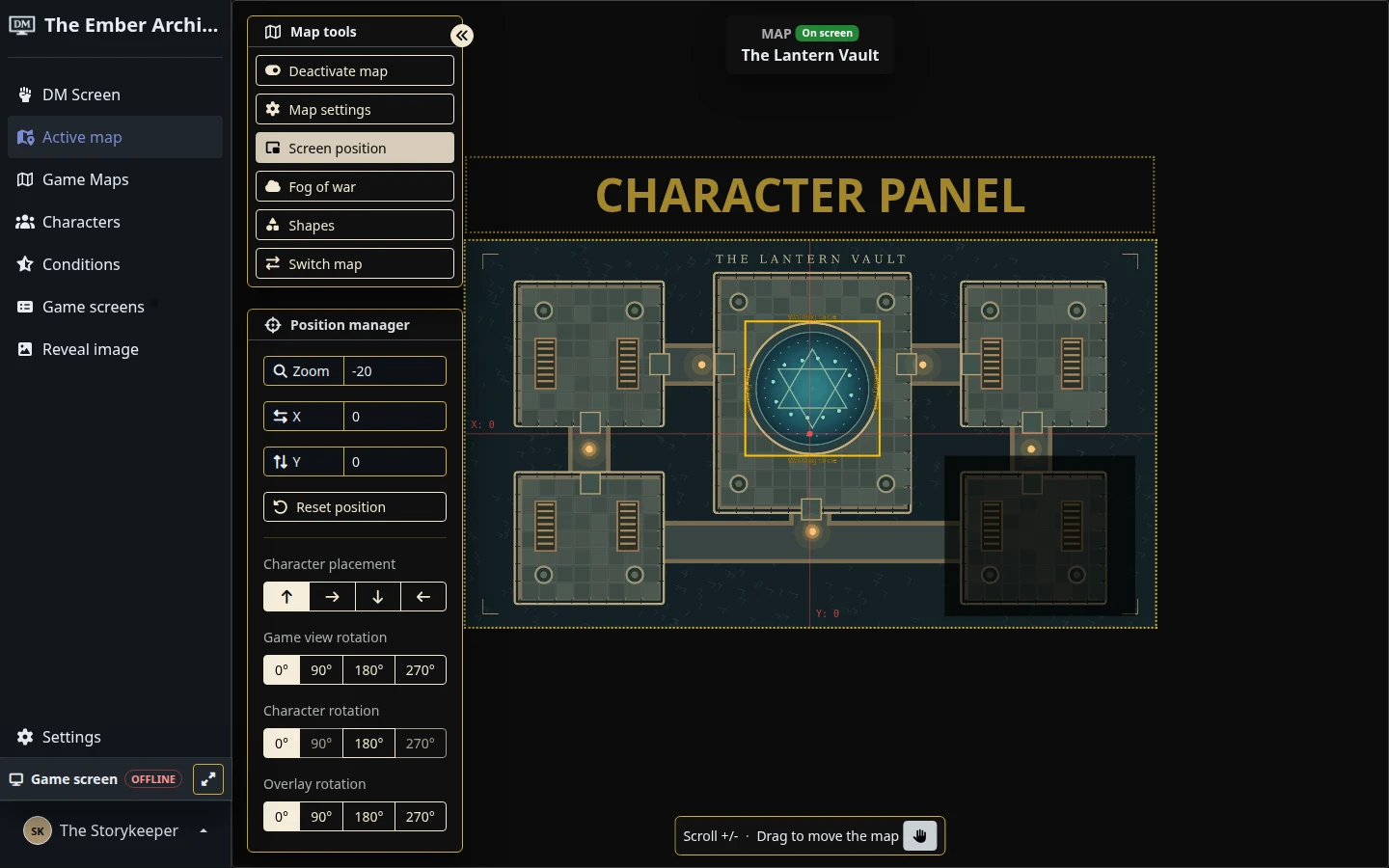
The first version of game screen tracking arrives alongside it. Select the active game screen as your main screen, and the position manager can use that screen’s dimensions.
See the current map controls for more on preparing the view your players see.